QR Code Check-In for Events: A Modern Guest Experience Guide
How QR code check-in works for weddings, parties and corporate events — setup steps, guest privacy, and why the door line disappears.
The Invitely Team4 min read
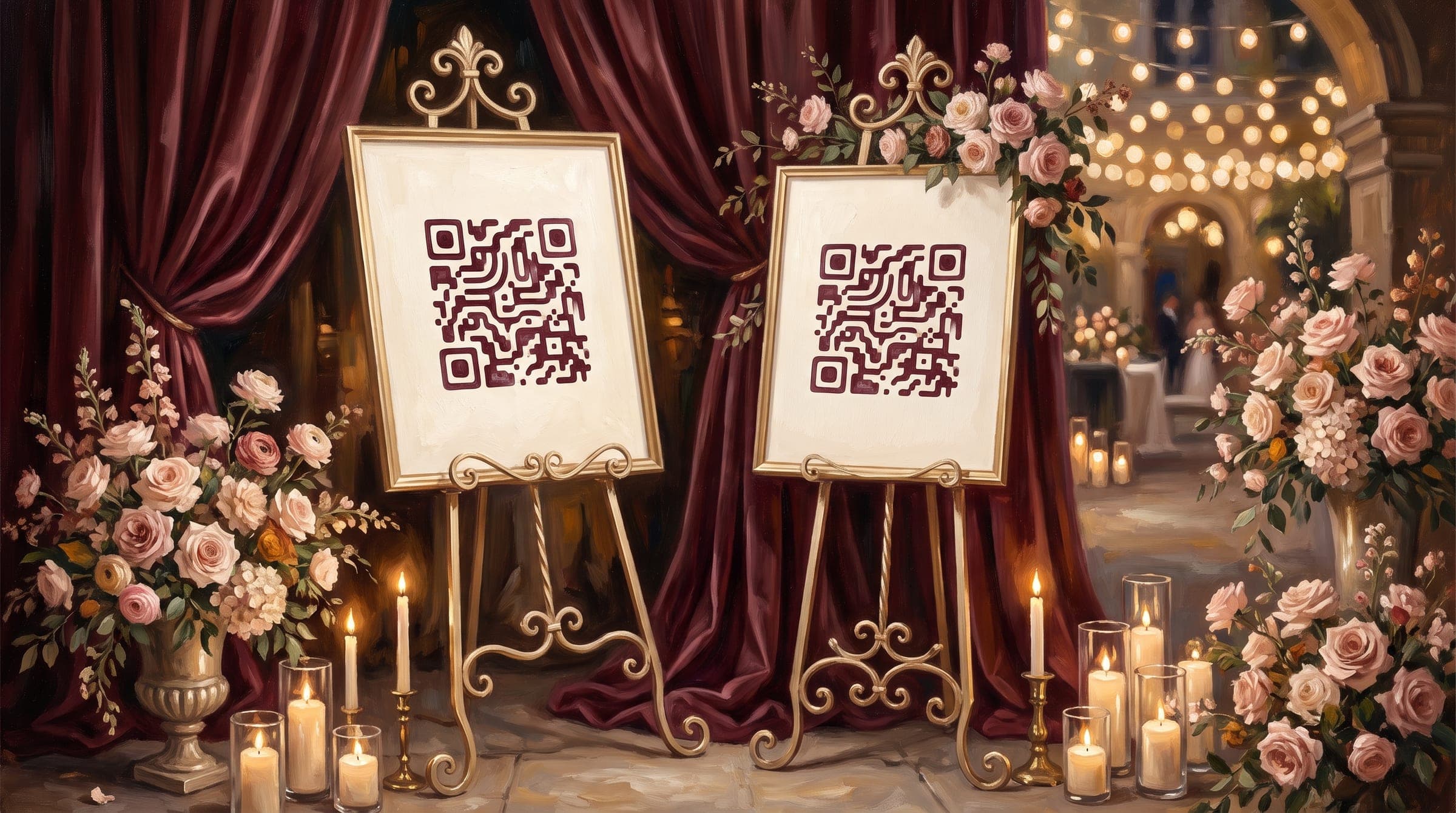
Every host of a larger event knows the door problem. Someone stands at the entrance with a printed list and a pen, guests queue while their names are hunted down alphabetically, and half an hour in, nobody could tell you who has actually arrived. QR code check-in solves this with the same technology that quietly fixed boarding passes and concert tickets — and it has arrived at weddings, milestone birthdays and corporate events. Here's how it works, when it's worth it, and how to set it up without making your celebration feel like an airport.
What QR check-in actually is
When a guest RSVPs to a digital invitation, the system generates a unique QR code tied to their name and party. On the day, they show it at the door — on their phone, no printing, no app to install — and whoever is greeting scans it with an ordinary phone camera. One beep: the guest is marked arrived, their party size and any notes appear, and the live guest list updates for everyone hosting. The entire exchange takes about two seconds, which is roughly the time it takes to say “welcome in.”
Why hosts adopt it
- The line disappears. Scanning is 5–10× faster than finding names on paper, and it doesn't slow down when the greeter is chatting.
- You know who's inside — live. Waiting to start the toasts until the guest of honour's parents arrive? The dashboard answers without a lap of the room.
- No gatecrashing awkwardness at ticketed or capacity-limited events: a code either scans or it doesn't, and nobody argues with a beep the way they argue with a person holding a list.
- Arrival data with zero effort: who came, when, and how party sizes matched RSVPs — gold for anyone who hosts regularly, from community organisers to companies.
- Any helper can run the door. The judgment calls (is this person on the list?) are already encoded, so your cousin or a venue staffer can greet with confidence.
Where it fits (and where it doesn't)
QR check-in earns its place roughly in proportion to headcount and formality:
- Weddings of 80+: check-in doubles as a warm welcome station — scan, hand over a welcome drink, point to the seating chart. Guests never feel processed; they feel expected.
- Milestone birthdays and reunions at hired venues: often the host barely knows a third of the plus-ones by face. The scan does the recognising. (It also pairs beautifully with the week-by-week plan in our birthday party planning checklist.)
- Corporate events and launches: attendance reporting happens automatically, badge pickup gets faster, and capacity limits enforce themselves.
- Skip it for gatherings under ~40 guests where you know everyone — there, a hug is faster than a scan. The feature costs nothing to leave unused.
Setting it up, step by step
- Send a digital invitation with RSVP — the guest list that builds itself is the foundation. QR check-in is a feature of the invitation platform, not a separate tool to duct-tape on.
- Enable check-in for the event; each confirmed guest's RSVP now carries their personal QR code automatically.
- Tell guests what to expect, one line in the details: “Have your invitation handy at the door — your QR code is your ticket in.”
- Brief the door crew: any phone with a camera scans; the guest's name and party size appear on screen. Two minutes of practice covers it.
- Keep the graceful fallback: dead phone battery happens. The door list is searchable by name, so a forgotten code costs ten seconds, not a scene.
The guest privacy question, answered plainly
Reasonable guests sometimes ask what scanning means for their data. The honest answers: the QR code contains an identifier, not personal data — the details stay in the event system the host already runs, the same place their RSVP lives. Check-in records that they arrived at an event they told you they were attending; it doesn't track them afterwards, and there's nothing to install, so nothing lives on their phone. Put a sentence in your event details for the cautious — transparency costs nothing and reads as considerate.
Beyond the door: what arrival data unlocks
Check-in is the moment your guest list stops being a plan and becomes reality — and that unlocks the rest of the evening. Knowing the room is 90% arrived tells you when to start dinner. Pairing check-in with a shared photo gallery means the same invitation link where guests checked in is where they drop their photos of the night — and where you post the thank-you album after. The invitation stops being an announcement and becomes the event's operating system, from first open to last photo. (That arc — one link doing the work of five tools — is the strongest practical case in the whole digital vs. paper debate.)
The best technology at a celebration is the kind nobody notices. Done right, QR check-in is exactly that: guests walk in faster, hosts know more while doing less, and the only visible difference at the door is that there is no line — just someone smiling and saying welcome.
Ready to send an invitation guests remember?
RSVP tracking, QR check-in and live photo sharing — all behind one beautiful link, ready in minutes.
Keep reading

Wedding Invitation Wording: Examples and Etiquette for Every Couple
Copy-paste wedding invitation wording examples for every host and style — formal, modern and relaxed — plus the etiquette rules worth keeping.

RSVP Etiquette: How to Ask, Remind, and Track Guest Responses
A practical guide to RSVP etiquette for hosts — setting deadlines, wording the ask, polite reminder scripts, and tracking responses without a spreadsheet.

Digital Invitations vs. Paper: Cost, Etiquette, and the Eco Case
An honest comparison of digital and paper invitations — real costs, environmental footprint, when paper still wins, and what guests actually prefer.